Usage
One ClashPulse service per machine owns Mihomo, the monitor, and every download. The GUI, TUI, and CLI talk to it over local IPC.
./clashpulse starts the service and opens the window, or attaches the window to a service that already runs. A second window refuses to start. Closing the window leaves running a service it did not start.
./clashpulse tui attaches to a running service and never starts one. Any number of TUIs can attach.
The interface is Simplified Chinese when the OS locale is zh-CN (also zh_CN.UTF-8 and zh-Hans-CN), English otherwise.
GUI
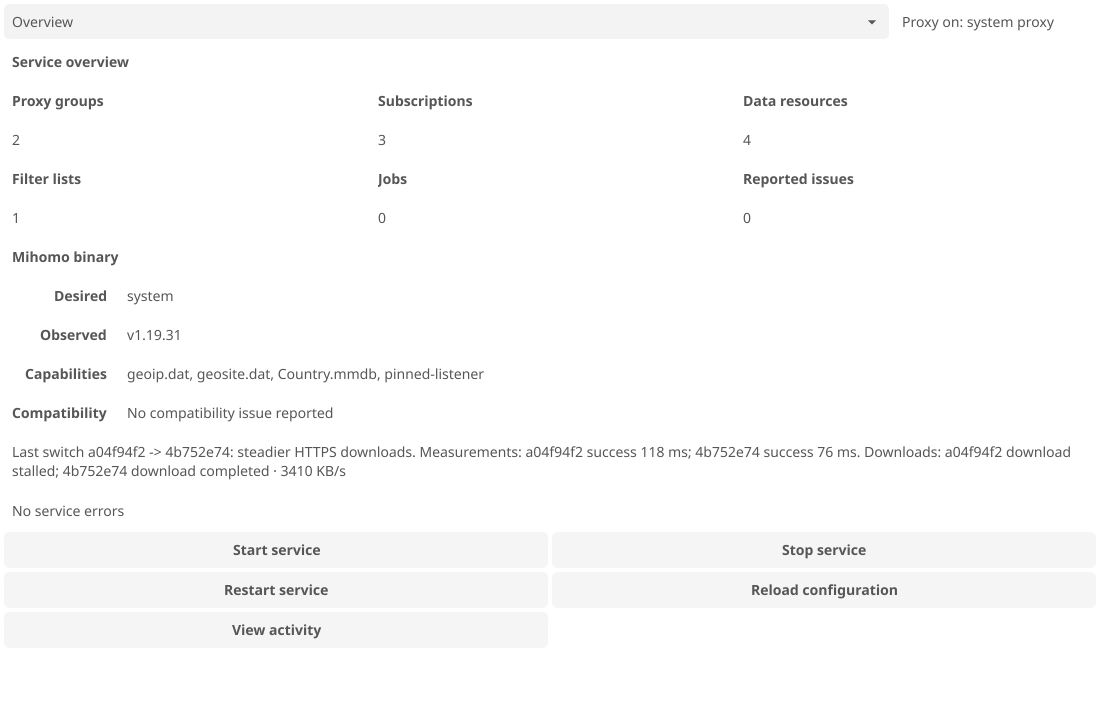
Overview shows service state, the Mihomo binary, the last switch, and the last error, with buttons to start, stop, restart, and reload the config. View activity lists this session’s sanitized diagnostics. Generated config changes lists the fields ClashPulse added, replaced, or removed in the active profile, with a reason but no values.
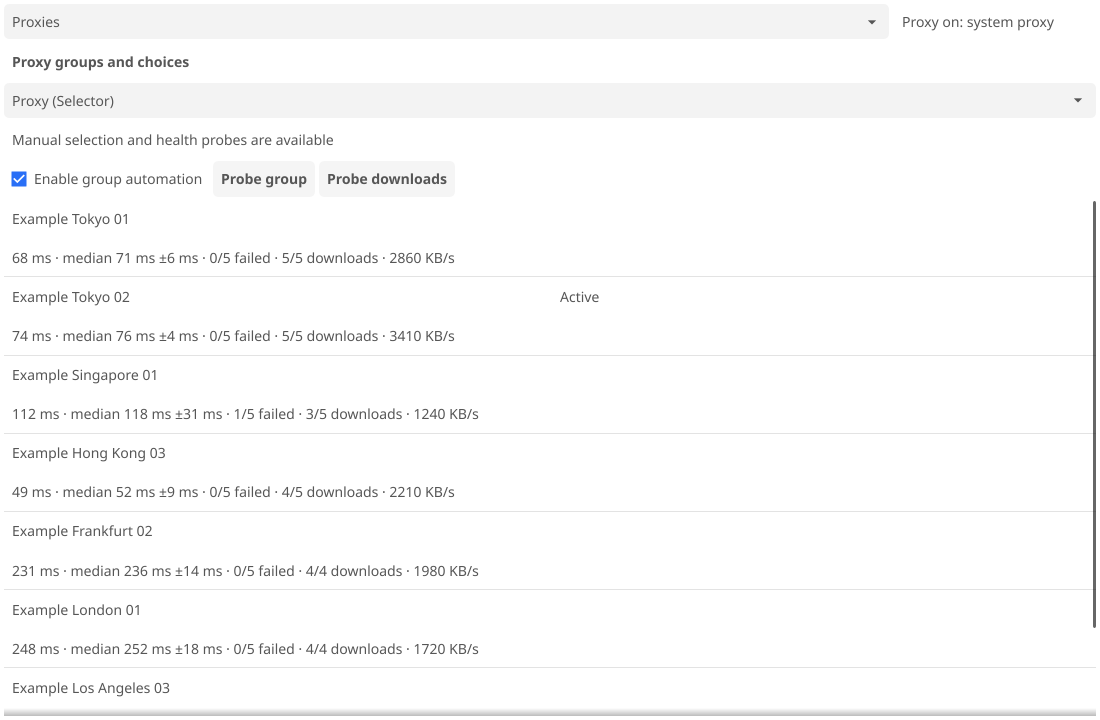
Proxies shows median latency, jitter, and failures per node for the chosen group. Enable group automation opts a managed select group into switching; picking a node by hand turns it off. Probe group runs a latency round now. Probe downloads runs a Steady stream round and needs that policy active.
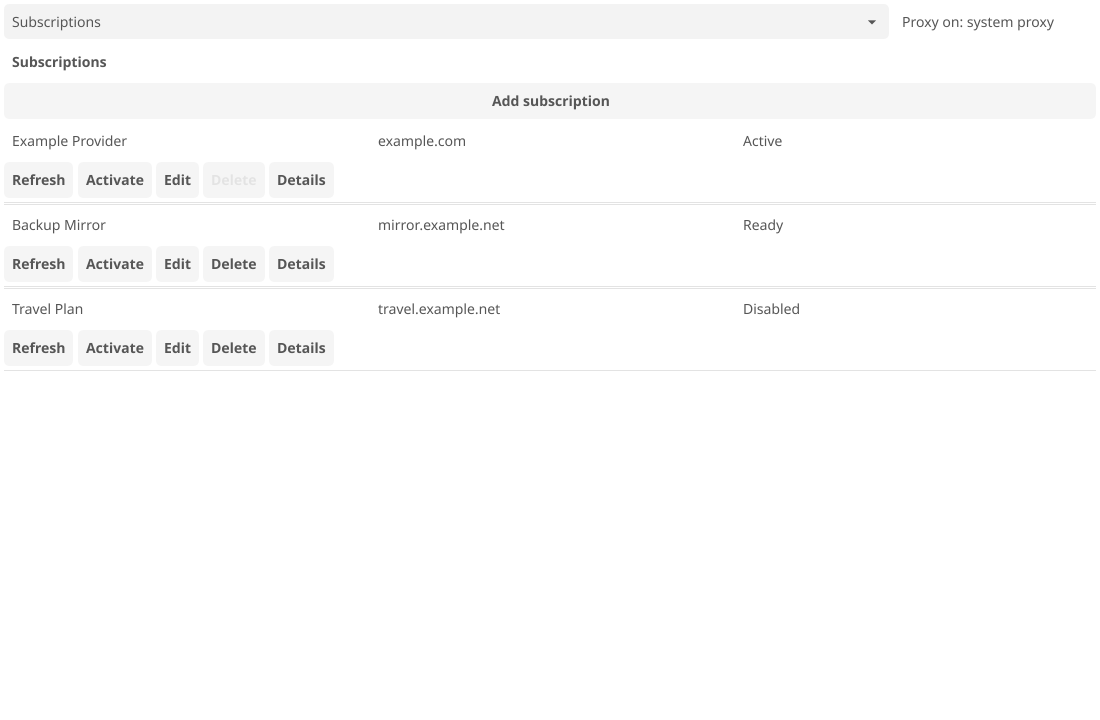
On Subscriptions, Refresh downloads and validates a new snapshot without touching the running profile; Activate applies it. Filter Lists and Data Resources work the same way. See subscriptions and data.
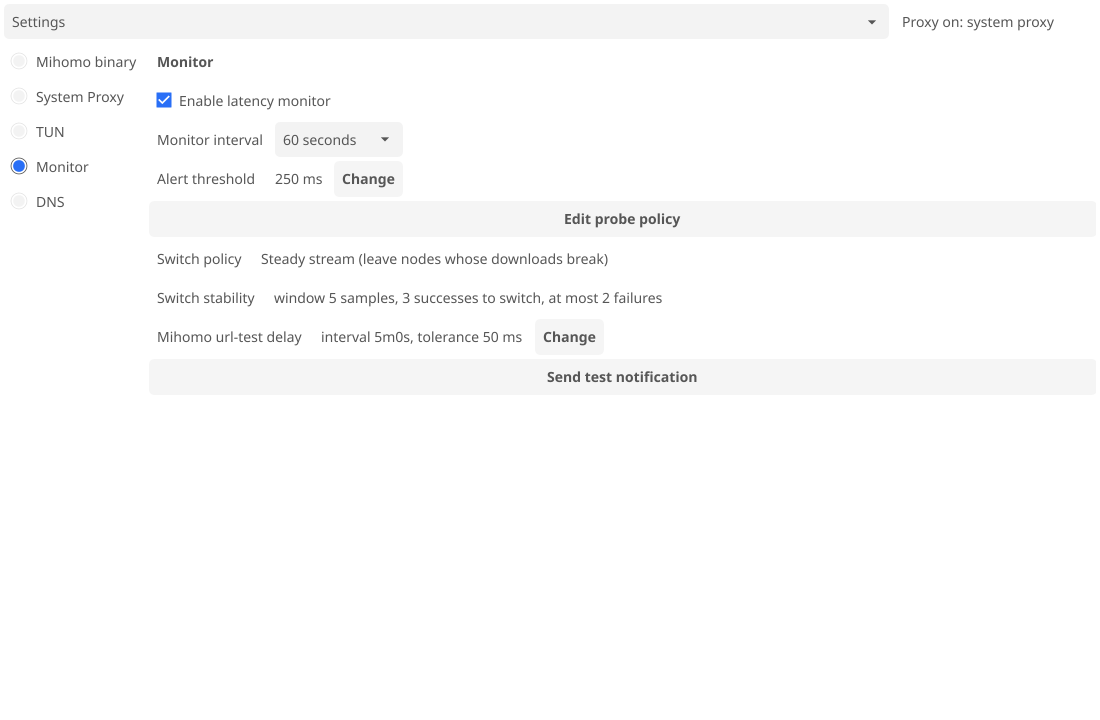
| Settings section | contents |
|---|---|
| Mihomo binary | system, bundled, or a path; version and capabilities |
| System Proxy | on/off, mixed port on 127.0.0.1, mode Rule, Global, or Direct |
| TUN | Linux only; all host traffic through Mihomo’s TUN device |
| Monitor | switch policy and probe settings; see automatic switching |
| DNS | listener, resolver sets, routes |
The tray menu picks a node in an active managed select group and toggles the system proxy.
TUI
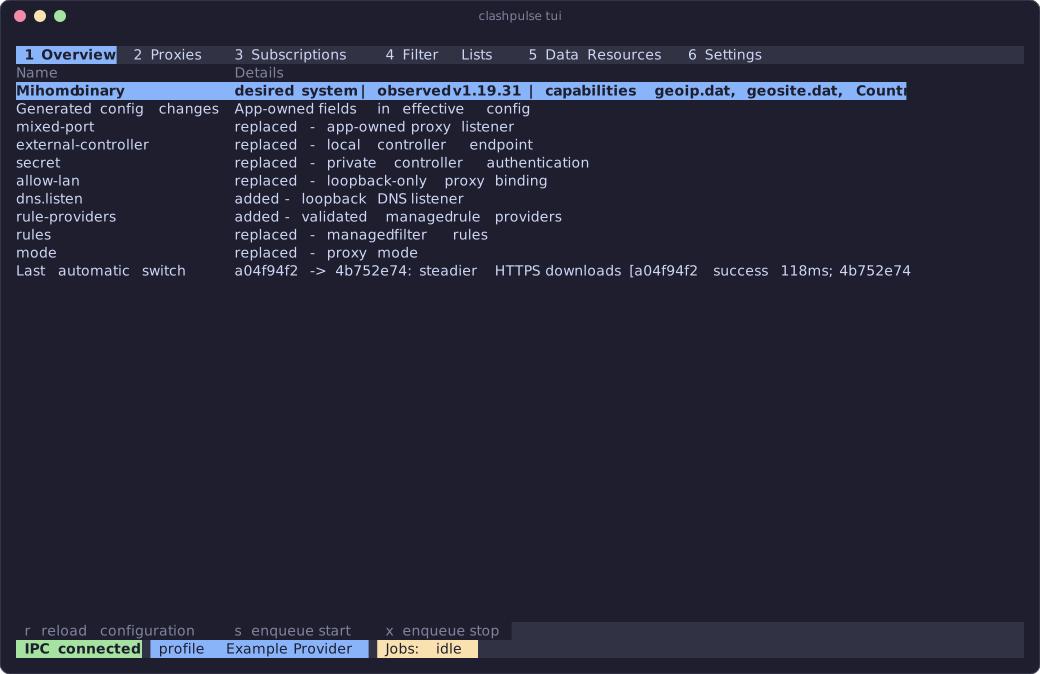
Keys 1 to 6 select the same six views. ? shows key help (F1 in editors), ~ the session log; q closes either.
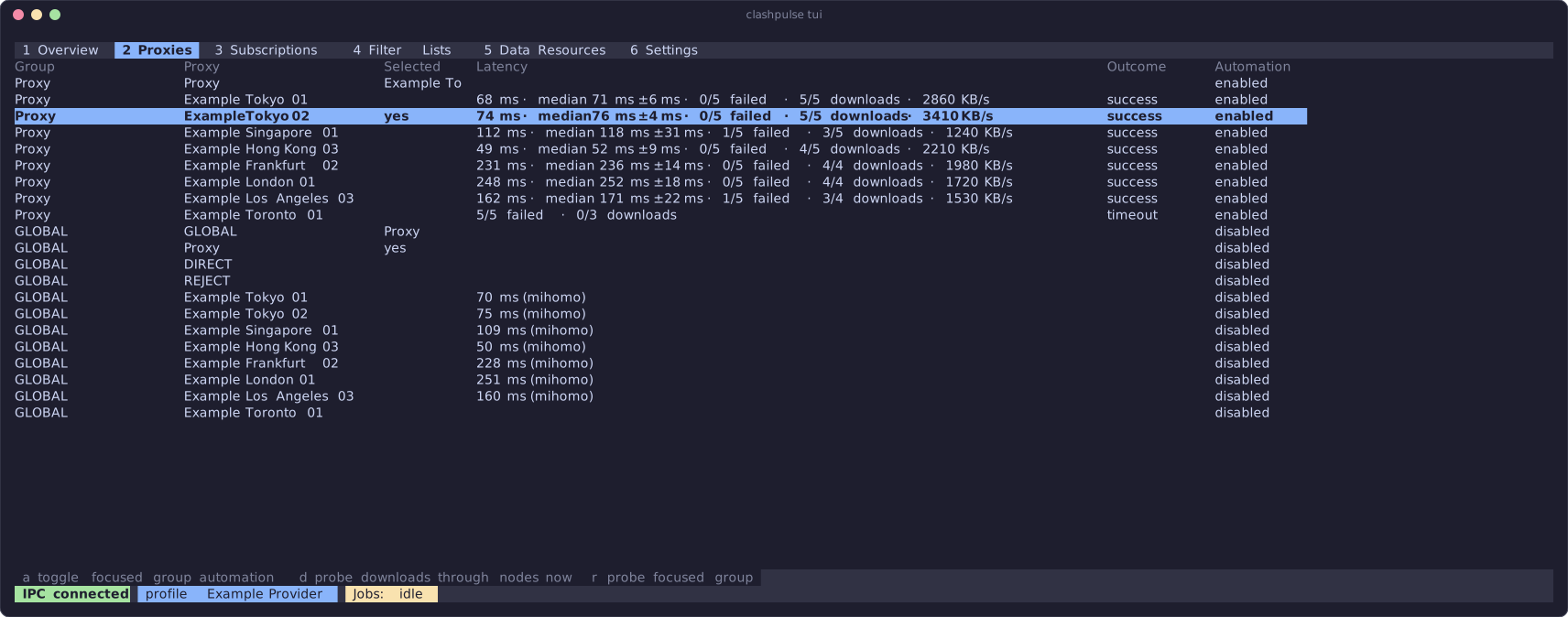
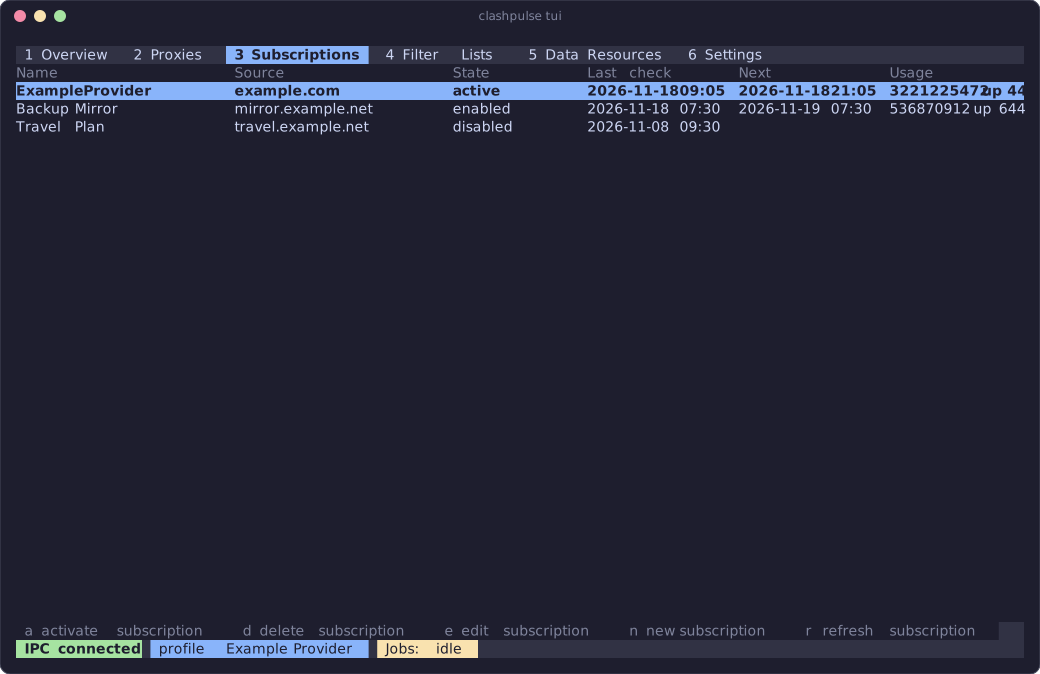
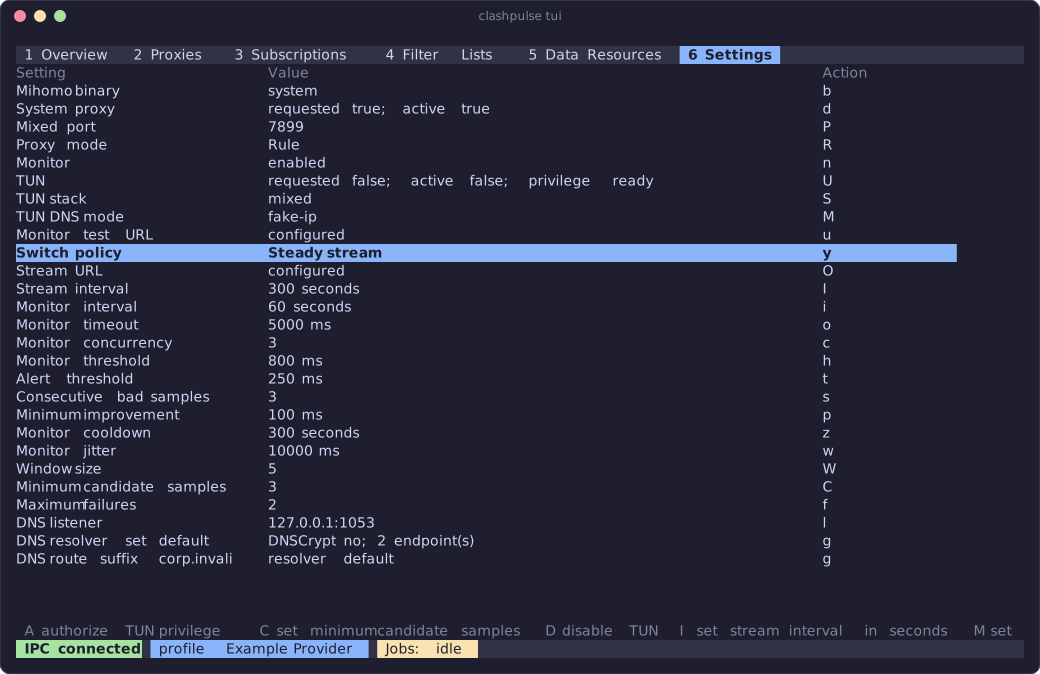
Default keys from tui/keys.toml:
| where | keys |
|---|---|
| everywhere | q / ctrl+c quit, ? help, tab / shift+tab next/previous tab, up / k and down / j move, enter activate, esc close modal, 1-6 views, ~ session log |
| Overview | s start, x stop, r reload configuration |
| Proxies | r probe focused group, a toggle automation, d probe downloads |
| Subscriptions | r refresh, a activate, n new, e edit, d delete |
| Filter Lists, Data Resources | r refresh, n new, e edit |
| Settings | b Mihomo binary, r reload configuration |
| Settings: System Proxy | e / d enable/disable, P mixed port, R cycle mode |
| Settings: Monitor | m / n enable/disable, y cycle policy, T test notification, the rest in monitor settings |
| Settings: DNS | l listener, v add resolver set, a add route, g edit, x remove |
| Settings: TUN | U / D enable/disable, A authorize, S stack, M DNS mode |
| forms | up / down field, space toggle, enter edit, left / right choice or character, backspace delete, ctrl+s / f2 save, esc cancel, f1 help |
| dialogs | enter apply, esc cancel, f1 help |
| session log | up / k, down / j, pgup / pgdown, home / end scroll, q close, ? help |
| help | up / down, pgup / pgdown, home / end scroll, q / esc close |
CLI
| command | action |
|---|---|
clashpulse [gui] | run the GUI |
clashpulse tui | attach the TUI |
clashpulse version | print the version |
clashpulse activate <profile.yaml> | run a local profile until Ctrl-C |
clashpulse download subscription [id] | download without activating |
clashpulse refresh | refresh everything and validate the generated config |
clashpulse refresh subscription [id] | refresh subscriptions |
clashpulse refresh resource [id] | refresh resources |
Without an ID, a command handles every enabled source.
activate reads the file once, validates it, and prints local profile active; press Ctrl-C to stop when the controller is ready. The TUI can attach meanwhile. Ctrl-C stops Mihomo and turns the system proxy off. The file is never edited, its path never shows in errors, and the generated config is deleted on shutdown.
With the desktop running, download and refresh hand the work to its service, which validates but never activates. Otherwise they do the work themselves. --show-response prints up to 4 KiB of the HTTP response to stderr on failure; it needs the desktop closed.